AI Phone Calls to Request Online Reviews for Home Services

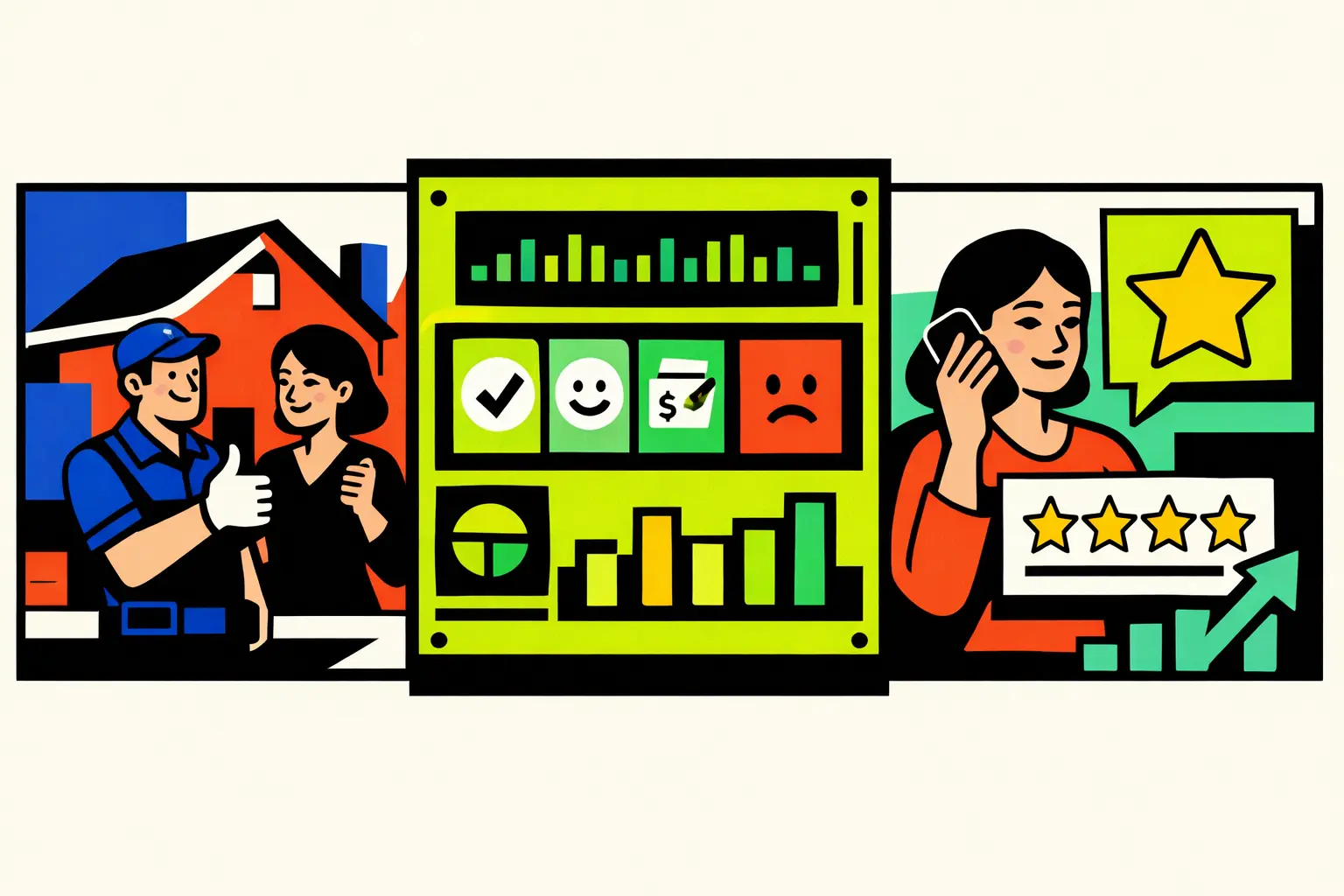
AI calls can improve online reviews when they standardize timing and reduce friction, not when they ask more often. The main pain points are generic review asks sent too early or too late, unresolved concerns that make customers avoid reviewing, and unclear next steps like “where do I leave it,” which causes drop-off. The right trigger is customer confidence, not invoice time: confirmed problem resolved, no parts or follow-up pending, payment completed without dispute, and positive language cues like “thank you” or “quick.” Avoid asking if the fix is uncertain, parts are pending, pricing is disputed, or the customer wants escalation.
A human-sounding AI phone call script should be short: confirm the outcome, thank them, make the request optional, send the link by SMS for one-tap action, and include an opt-out. If sentiment is negative, do not request a review. Route to recovery, schedule the follow-up, and ask later only after resolution. A scalable workflow is: detect the right moment, ask once, send one link, log outcomes, route exceptions to a human, and QA-check script consistency.
Online reviews are one of the few growth levers home service teams can compound without increasing ad spend. But getting online reviews is not about asking more. It is about asking at the right time, with the right wording, and with an easy next step.
Most teams do the opposite. They send a generic message right after the invoice, or they ask days later when the customer has already moved on. The result is predictable: low response rates, inconsistent star ratings, and customers who feel nudged instead of appreciated.
AI phone calls can help because they make timing consistent. They can catch the moment when the customer has clarity, the job feels complete, and the experience is still fresh. When review requests happen right after a clear win, customers are more willing to help, and the ask feels natural instead of promotional.
Why Home Service Reviews Are Hard To Earn
Home services is emotional. Customers call when something is broken, urgent, or uncomfortable. Even when you fix the issue, the memory of the stress lingers and that shows up in online reviews.
Why online reviews do not happen
- The team asks too early, before the fix feels proven
- The team asks too late, after the customer has mentally closed the loop
- The customer has a small unresolved concern, so they avoid leaving any review
- The request sounds generic, so it gets ignored
- The next step is unclear, so customers drop off
What the wrong timing looks like
Customer: The AC is working now, thanks.
Rep: Great, can you leave us a review right now?
Customer: I just want to get back to my day.
Rep: It only takes a minute.
Customer: I’ll do it later.
Rep: Okay, please don’t forget.
Customer: Sure.
Takeaway: The ask was not wrong. The timing and friction were wrong. Wait for a clear success moment and make the next step effortless.
Notice when requests feel generic or rushed
This blog is just the start.
Unlock the power of Convin’s AI with a live demo.
AI Phone Call Script That Sounds Human
The best script is short. It should feel like a thank you, not a campaign, and it should make opting out easy.
A simple review-ask pattern for AI phone calls
- Confirm the outcome in one question
- Acknowledge the customer’s time
- Make the ask specific and optional
- Send the link by SMS so the next step is one tap
- Include a clear opt-out line
Dialogue example
AI: Hi, quick check on today’s service. Is everything working as expected now?
Customer: Yes, it’s cooling properly.
AI: Great. If you have 30 seconds, would you be open to leaving a quick review about the visit?
Customer: Sure, where do I do that?
AI: I’ll text you the link right now. No pressure, you can skip it if you’re busy.
Customer: Okay, send it.
AI: Sent. Thanks for your time. Reply STOP if you prefer no more review texts.
Customer: Got it.
Takeaway: Keep it brief, confirm the win, and make the action one tap. That is how online reviews feel natural.
Add a simple opt-out line
What To Do When The Customer Is Unhappy
This is where teams accidentally damage trust. If a customer is unhappy and the system still requests online reviews, it feels tone-deaf. The better approach is simple: route to recovery first. When sentiment is negative, the case should shift to a human follow-up. If there is a pricing dispute, clarify it before any review request goes out. If the customer mentions rework, schedule resolution before asking for feedback. And if the customer sounds confused, the priority is to explain the next step in plain language, then confirm what will happen and when.
AI: Is everything working as expected now?
Customer: Not really, it stopped again after two hours.
AI: Understood. I’m going to arrange a follow-up, not a review request.
Customer: Good, I don’t want to repeat this.
AI: What time window works today, and is someone available on-site?
Customer: After 6 pm.
AI: Noted. You’ll receive a confirmation message shortly.
Takeaway: Do not chase online reviews when the outcome is uncertain. Fix the experience first, then ask later.
Keep follow-ups human, clear, time-bound
A Simple Workflow To Scale Review Requests
To scale online reviews without annoying customers, treat it like an operations workflow, not a marketing blast. Ask only after the customer confirms the fix, keep the request frictionless, and stop fast if they are not interested.
A clean flow is simple: detect the right moment (resolution confirmed plus positive cues), ask once on the call, send one SMS link, then stop. Log outcomes in structured terms such as asked, link sent, completed, opted out, or routed to recovery. If the customer is unhappy, confused, or mentions rework, route to service recovery first. Do not ask for a review until the experience is clean.
Some teams add a lightweight conversation layer to make this consistent at scale: it flags the best review moments, prevents tone-deaf asks, logs outcomes into CRM, and creates follow-up tasks when recovery is needed. You do not need a new system of record. You need consistent signals feeding the one you already use.
AI: Quick check, is everything working as expected now?
Customer: Yes, all good.
AI: Great. Want me to text a one-tap review link? No pressure.
Customer: Sure.
AI: Sent. If anything changes, just reply and we’ll help.
Stop triggering review requests on “job closed” timestamps. Trigger them on confirmed outcomes. That is how review volume grows without customer irritation.
Shift from timestamps to confirmed outcomes
FAQs
- How do AI calls improve online reviews for home services?
AI calls improve online reviews by confirming the fix, asking at the right moment, sending a one-tap link by SMS, and stopping after one clean attempt. - When should AI calls ask for online reviews timing-wise?
Ask after resolution confirmation, no parts pending, payment is settled, and positive cues appear; avoid online reviews when rework, confusion, or disputes are active. - What script makes AI calls request online reviews naturally?
Confirm outcome, thank the customer, ask briefly and optionally, then offer an SMS link; include an easy opt-out so online reviews feel respectful. - How should AI calls handle unhappy customers before online reviews?
If sentiment is negative or the fix failed, AI calls should route to recovery, schedule follow-up, and delay online reviews until resolution is verified. - What workflow scales online reviews without annoying customers?
Use trigger-based moments, ask once, log outcomes, route exceptions to humans, dedupe outreach, and QA-check wording so online reviews grow without spam.
The Right Timing Triggers For Review Requests
The best review timing is tied to customer confidence, not your internal status. AI helps when you define simple triggers that signal the customer is ready.
Strong triggers that work across home services
- Problem resolved confirmation: the customer says it is working as expected
- No follow-up required: no parts pending and no return visit planned
- Payment completed without dispute: no billing confusion or rework talk
- Positive language cues: “thank you,” “appreciate it,” “quick,” “professional”
- Expectation met: arrival window respected, issue explained, area cleaned
Do not ask when these signals show up
- “Call me tomorrow if it fails again”
- “We are waiting on parts”
- “I’m not sure this fixed it”
- “Why was it so expensive?”
- “I need to speak to someone”
Simple rule: request online reviews only after the customer confirms the outcome and there is no unresolved next step.